logo
AI Image
AI Video
Library
Solutions
Community
MCP & CLI
Pricing
  1. Home
  2. AI Tools
  3. AI Photo Editor

Free AI Photo Editor: Upgrade photos with Picsart

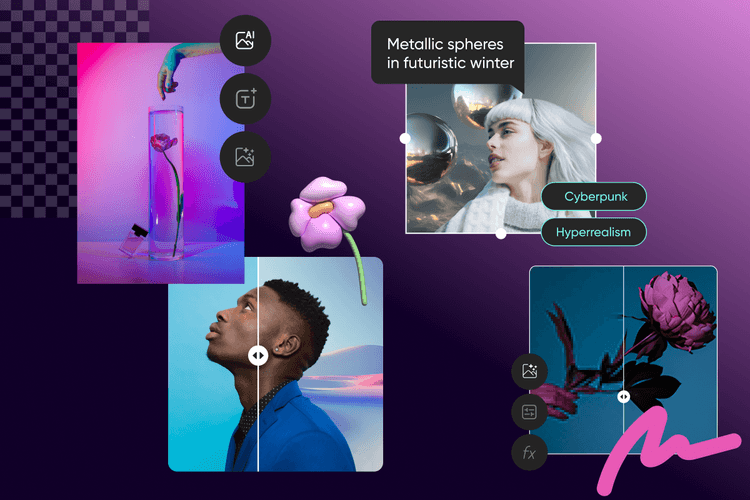
Make complex photo edits simple with our AI photo editor. Enhance images, remove backgrounds, and create new content without advanced editing skills.


4.9/5
(2,137 reviews)
apple best app choiceandroid best app choice
all-inclusive AI toolset

Edit like a pro, in seconds 

Let AI handle complex tasks like background removal, object replacement and photo retouching - just click and go.
700m+ AI images

25+ all-in-one AI tools 

Access a complete suite of intelligent photo editing features, built to cover everything from enhancements to effects. 

Smarter with every edit

Smarter with every edit

Picsart’s adaptive AI learns from your usage patterns to deliver faster, sharper and more personalized results over time.

Try creative AI effects next

See all
See all

How to edit photos with AI

1

Insert image

Use the button below to select a photo and start editing.

2

Create with AI

3

Download


AI photo editing: The new way to perfect your images

Upload your photo and let AI do the heavy lifting - from background removal to skin retouching and color correction. With over 25 AI-powered features built into the Picsart Photo Editor, you can clean up, enhance, and transform your images in just a few clicks. Whether you're fixing lighting, erasing distractions, or adding artistic effects, Picsart makes advanced editing fast, intuitive, and fun.

Picsart ai image generating tools

Give your designs a creative twist with AI

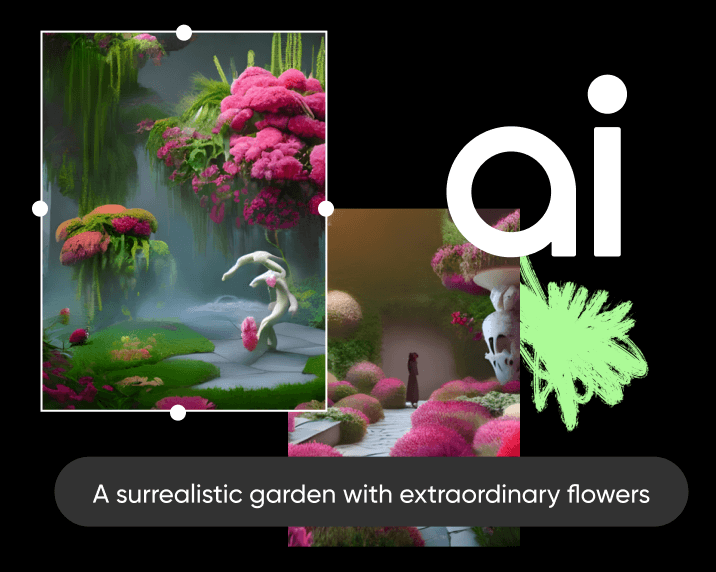
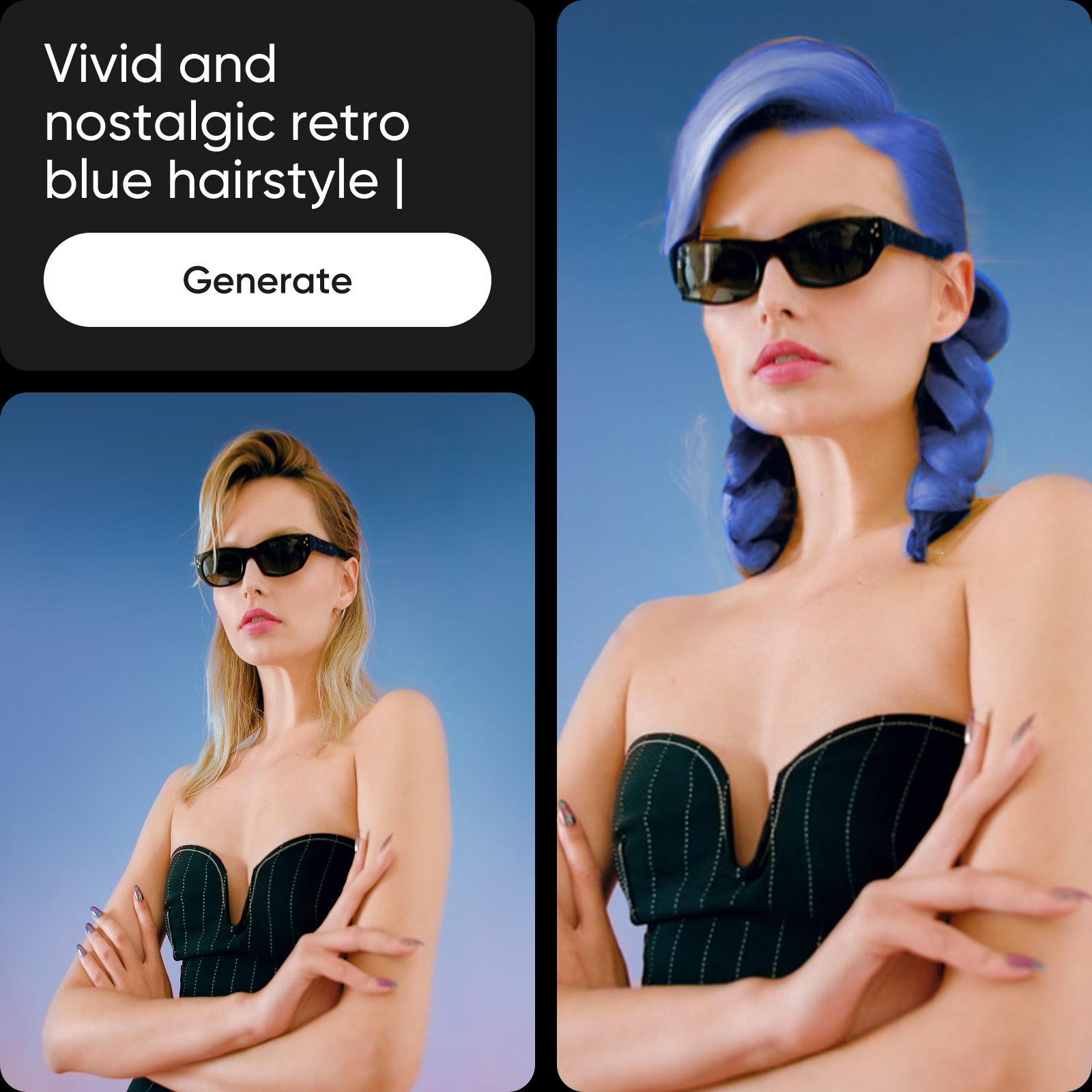
Looking to upgrade certain aspects of your designs? AI-powered tools offer the fastest way to achieve this without breaking a sweat. Use AI Replace to transform parts of your image with ease of use, or take advantage of AI Sketch to turn even the most haphazard sketches into art. Reinvent the look of your photos using AI filters and AI style transfer - all within a user-friendly interface built for creators.
picsart creative design editing tools

Sharpen your online presence with AI editing

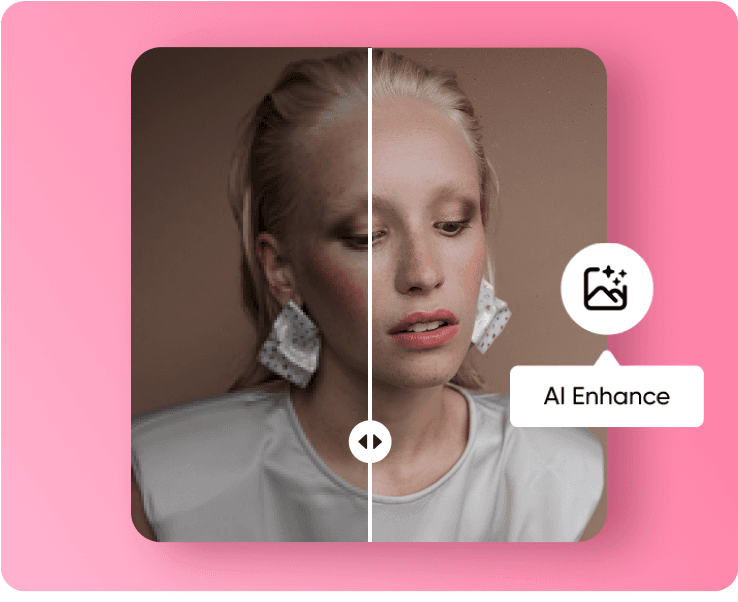
The AI Photo Editor makes it easy for everyone to do DIY pro-level edits with tools like AI Enhance that works within seconds to increase image quality for a sharper, crisper finish. Capture what was left outside of the lens by using AI Image Extender to extend your visuals with realistic generative AI, or explore endless creativity through the AI Logo Generator. The intuitive interface ensures every edit feels simple, seamless, and effective.

Picsart ai tools for business

Supercharge your content pipeline with AI

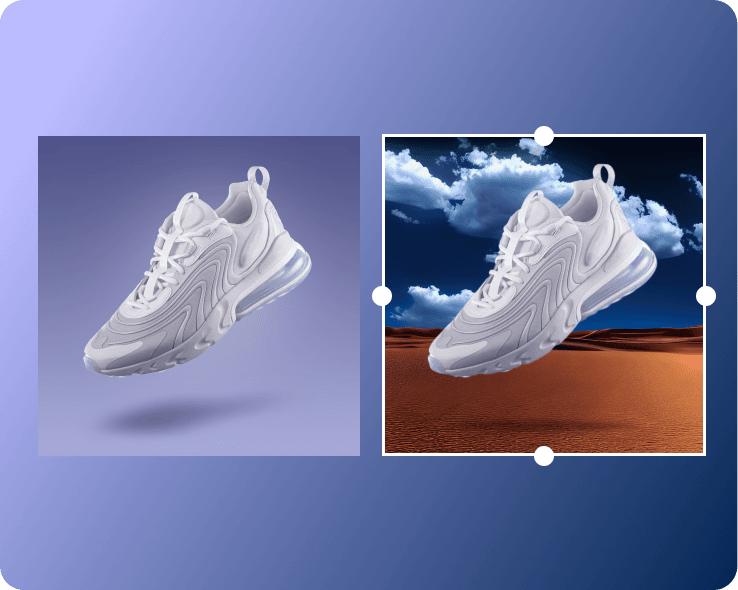
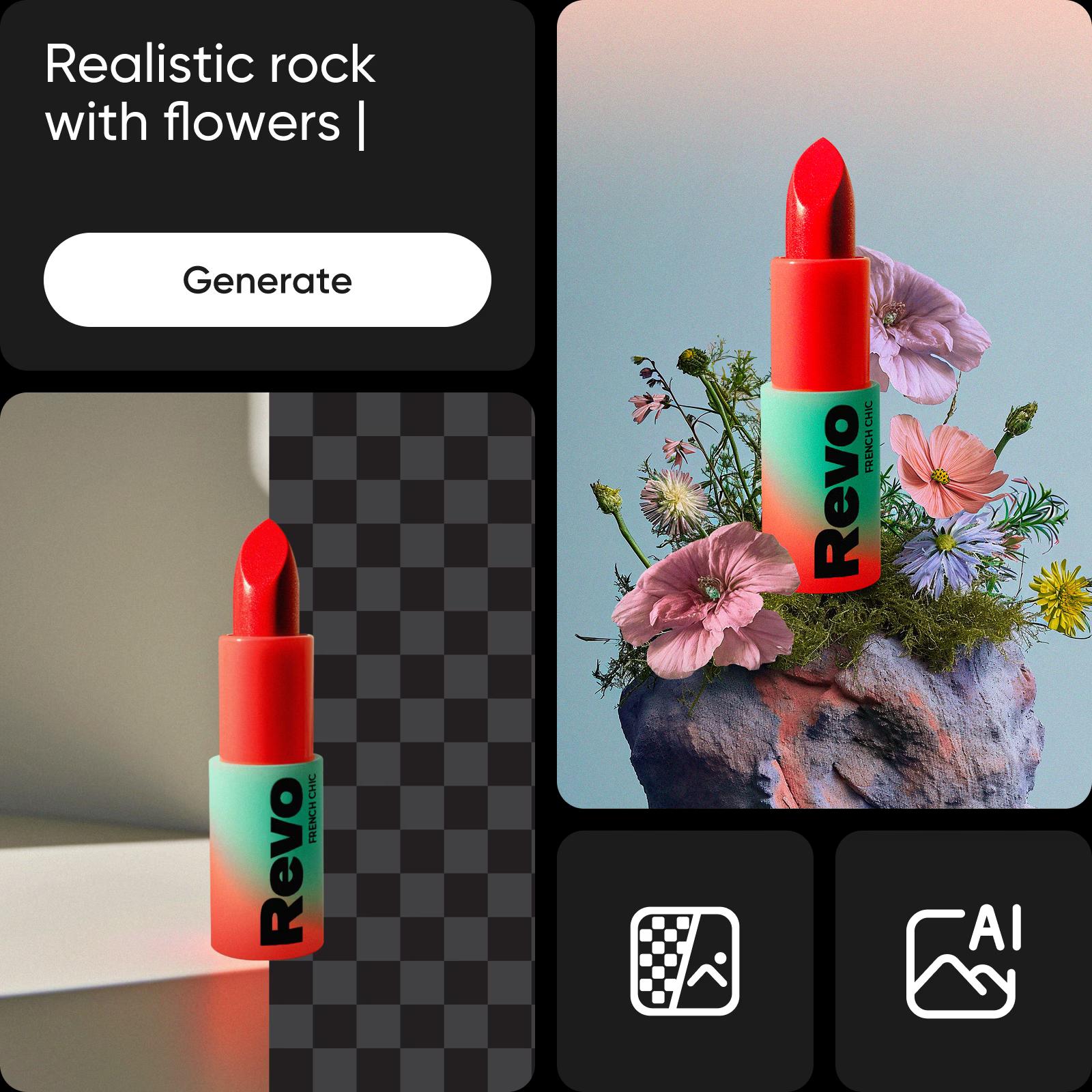
Whether you’re creating fun edits for your brand’s social media posts or fine-tuning your packaging design, AI photo editing can help you transform and give an entirely new look to your existing visuals. Upgrade the scenery using the AI background generator, or completely reinvent your selfies with the AI avatar maker. To wrap it all up, use the AI content generator to create the perfect social media caption or promotional copy in seconds and deliver them in style using AI text styles - all part of a user-friendly tool built for creators who value speed and ease of use.
Picsart ai tools for better contents

More AI image editing tools to love

Picsart’s all-in-one editor is packed with AI-powered features that simplify complex edits. Remove backgrounds in a tap, clean up photos with the Cleanup Pictures tool, erase distractions like people or objects and sharpen your shots with AI Image Enhancer. You can also auto-crop for social, apply AI filters or match colors across images - no deep editing skills needed. With its intuitive interface and user-friendly tool design, you’ll spend less time tweaking and more time creating.

More Picsart AI image editing tools

AI image editing with text prompts

This new tool lets you upload any image and guide edits by writing prompts. From product photos to portraits, it handles background changes, text overlays, object swaps, and even beauty edits, such as hair color updates. For example, upload a product shot, change the background, add text, and replace an item - all in seconds through a user-friendly interface built for creators who appreciate ease of use and smart AI-powered tools.


Discover even more AI-powered tools

Take your edits further with advanced features that make photo editing simple, flexible, and creative.

Background changer and remover

Replace or erase any background in just a few steps.

AI backgrounds

Create new backgrounds that match your photo’s style and mood.

Object remover

Remove unwanted objects, people, or clutter quickly and cleanly.

AI effects and filters

Apply smart effects that adapt naturally to your images.

Upscale and sharpen

Improve image quality and bring out more detail.

AI photo enhancing

Adjust lighting, contrast, and clarity to improve your photos.

Clean up pictures

Fix small marks, smudges, or visual noise with ease.

Color correction and adjustment

Balance tones and fine-tune colors for the right look.


Discover more AI Photo Editor tools

ai image generator

AI Image Generator

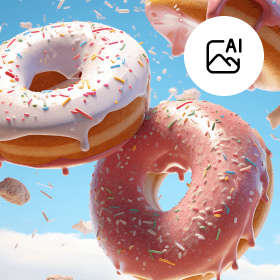
Turn your imagination into stunning AI images with text-to-image AI.

ai art generator

AI Art Generator

Generate eye-catching art in seconds with AI.

Generate backgrounds with Picsart's AI background generator

AI Background

Create visually appealing backgrounds designed specifically for your images.

ai image enhancer

AI Image Enhancer

Easily increase your photo resolution for a sharper, higher-quality image.

AI avatar generator tool

AI Avatar

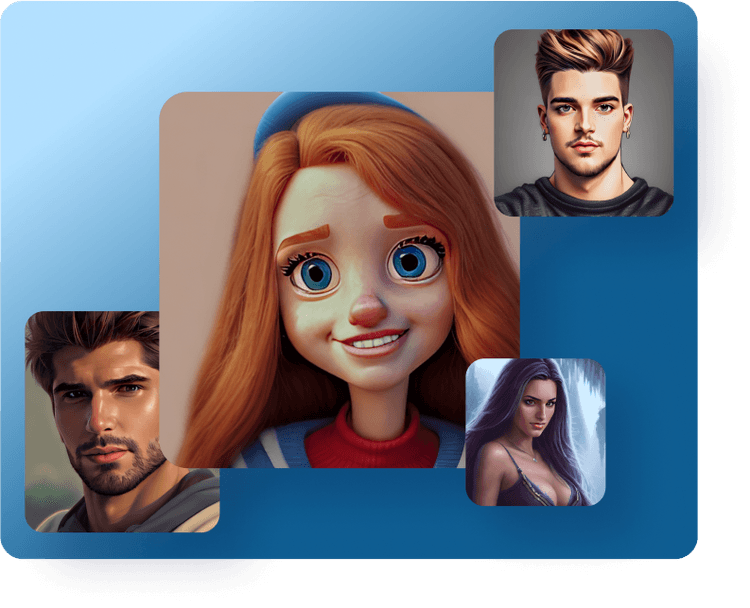
Bring your artistic vision to life with personalized AI avatars, couples avatars, and more.

ai face generator

AI face generator

Effortlessly generate faces with the help of AI.

ai gif maker

AI GIF generator

Say goodbye to manual GIF creation and tap into AI to create one-of-a-kind GIFs.

unblur image

Unblur image

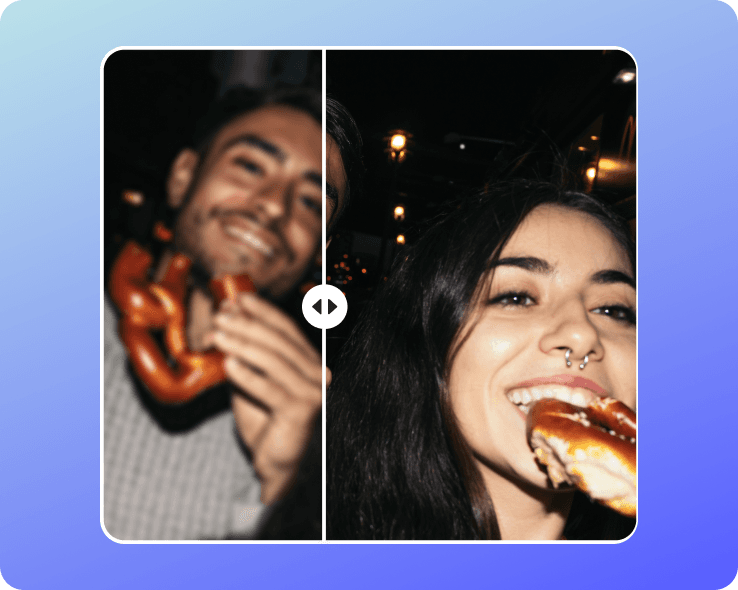
Quickly unblur photos for crisper, sharper images.

old photo restoration

Old photo restoration

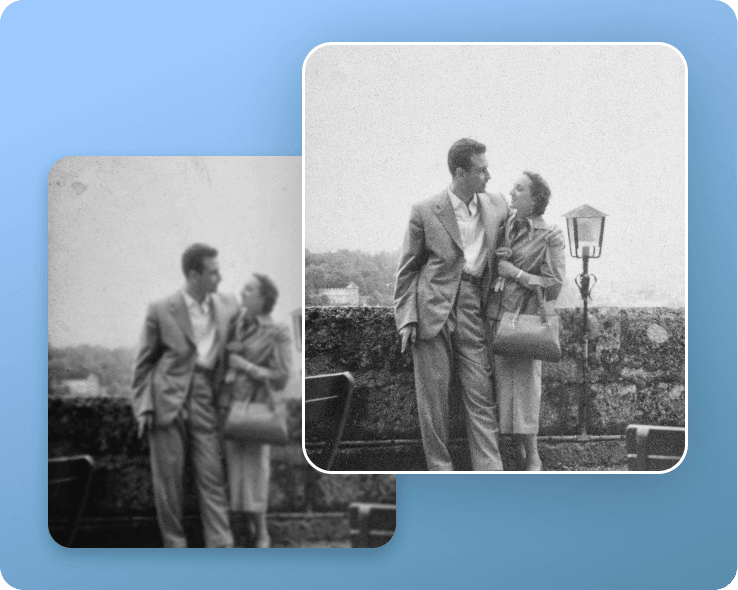
Bring your old photos back to life in seconds.

AI Photo Editor: A photo editing tutorial for sharper, cleaner visuals

This photo editing tutorial covers the photo editing basics behind improving image quality with AI. Learn how to enhance clarity, reduce blur, and bring out fine details using smart tools that do the heavy lifting. Perfect for quick edits, creative projects or giving your visuals a professional touch.

It makes photo edits so simple. I don’t have design skills, but removing backgrounds and cleaning up pictures is straightforward here. The AI tools do the hard work, and I get polished results without stress.
Rachel M., Content Creator
A must-have for my business. I use Picsart to enhance product shots for my online store. The color correction and AI filters help every photo look consistent, which saves me time and keeps my brand looking professional.
Samir L., E-commerce owner
The creative options are endless. From AI backgrounds to text effects, I can design posts and ads in minutes. It’s like having a full editing studio on my laptop and phone, without the heavy learning curve.
Chloe K., Marketing designer

AI Photo Editor FAQ

An AI photo editor is a software tool that uses artificial intelligence to enhance, modify, or create images.

Picsart’s AI photo editing tools can save time and effort by automatically making enhancements to images and can often achieve results that would be difficult or impossible to do manually. They can also be used to generate new images or add special effects.

Picsart AI Photo Editor can perform a wide range of edits, including color correction, object removal, image restoration, facial recognition and manipulation, avatar creation, background replacement and generation, special effects, and many more. Stay tuned for more AI editing tools!

Yes, our AI photo editor has an enhancement tool that is specifically designed to enhance old or low-quality photos by reducing noise, improving sharpness, and restoring color. You can even enhance multiple images at once with the batch editor.

Picsart’s AI photo editing app stands out with its all-inclusive toolset so you can get all your editing done in one easy-to-use interface without having to switch between apps. And thanks to the intuitive design, everyone can become an editing pro without any prior experience or training. 


Latest in AI photo editing


How to edit photos with AI: Ultimate guide to AI photo editing

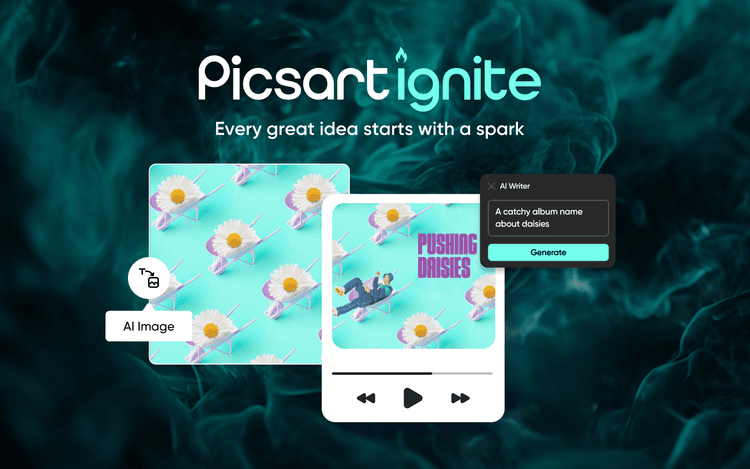
Spark Your Creativity with Picsart Ignite, a Suite of AI Design Tools for Marketers to Meme Makers

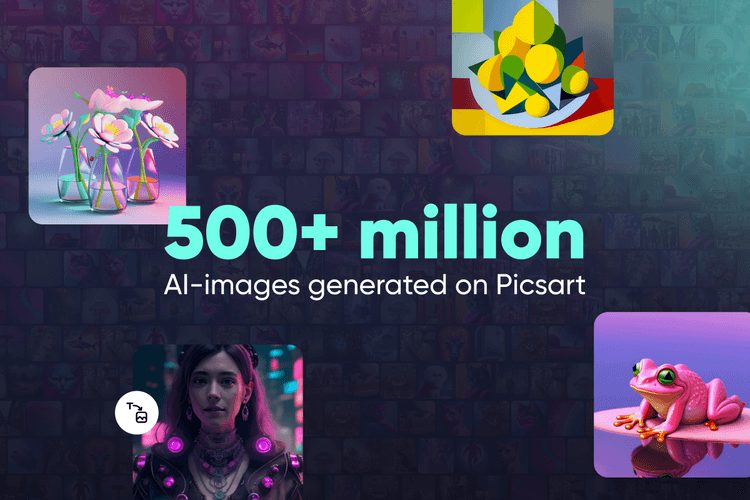
Picsart AI Image Generator Surpasses 500 Million Images Created

Edit, generate, and create more with Picsart

Continue your journey with AI

Enhance image qualityRemove image backgroundsGenerate images with AIFix blurry photosRemove unwanted objectsCreate AI backgroundsChange photo backgroundsTransform photos into artExplore all AI toolsEdit photos onlineTry AI filtersReplace objects with AIAbout usOur press kit

Get the free app

Download on the App StoreGET IT ON Google PlayGet it from Microsoft
Pinterest
AICPA SOC

Explore

  • AI Image Generator
  • AI Video Generator
  • AI Playground
  • AI Image Models
  • AI Video Models
  • AI Photo Editor
  • Templates
  • Design Tools

Solutions

  • For Enterprise
  • For Developers
  • For Google Drive
  • For specific Industries
  • Quicktools
  • AI Avatar
  • Pricing

Company

  • Support
  • Careers
  • About us
  • Earn with Picsart
  • Blog
  • Press Center
Terms of UsePrivacy PolicyDo Not SellInternet-Based AdvertisingCommunity GuidelinesDMCASecurity PolicyAccessibility
© 2026 PicsArt, Inc.

Learn image editing basics

Learn how to make cleaner edits with practical steps.

Remove unwanted objects from photos with AI preview
Image editing

Remove unwanted objects from photos with AI

3 minBeginner
Replace objects in photos with AI-generated content preview
Image editing

Replace objects in photos with AI-generated content

4 minIntermediate
How to expand images beyond their borders with AI preview
Image editing

How to expand images beyond their borders with AI

4 minBeginner
Upscale low-resolution images to HD with AI preview
Image editing

Upscale low-resolution images to HD with AI

3 minBeginner
Edit any part of an image with text prompts preview
Image editing

Edit any part of an image with text prompts

4 minIntermediate
See all tutorials